
FROM LABEL TO LOT RECORD
Product lot search
Every GPC vial carries a lot code. Enter it to open that lot’s published laboratory record.
See where to find your lot code
HOW TO FIND IT
Find your lot code in three steps
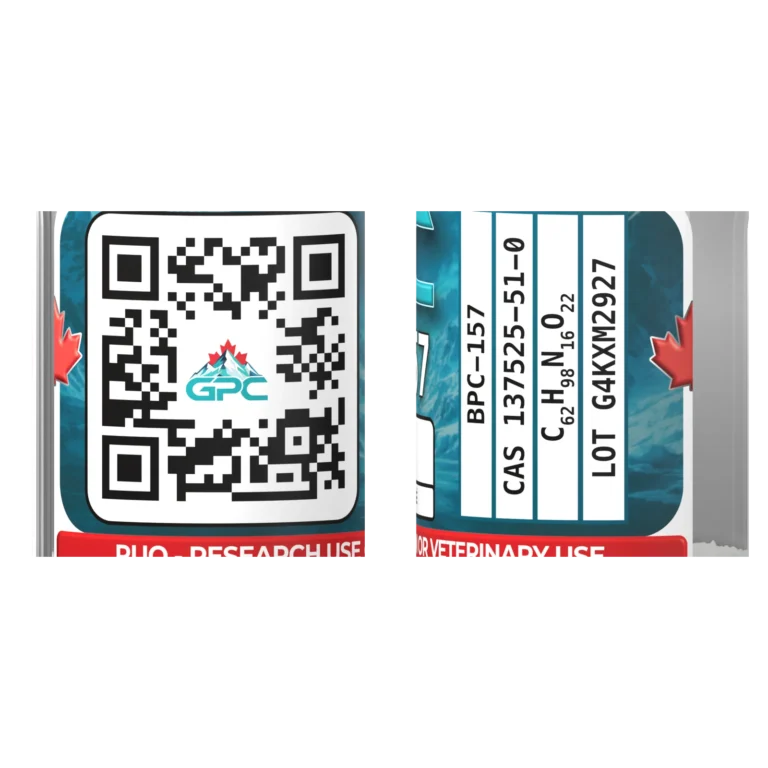
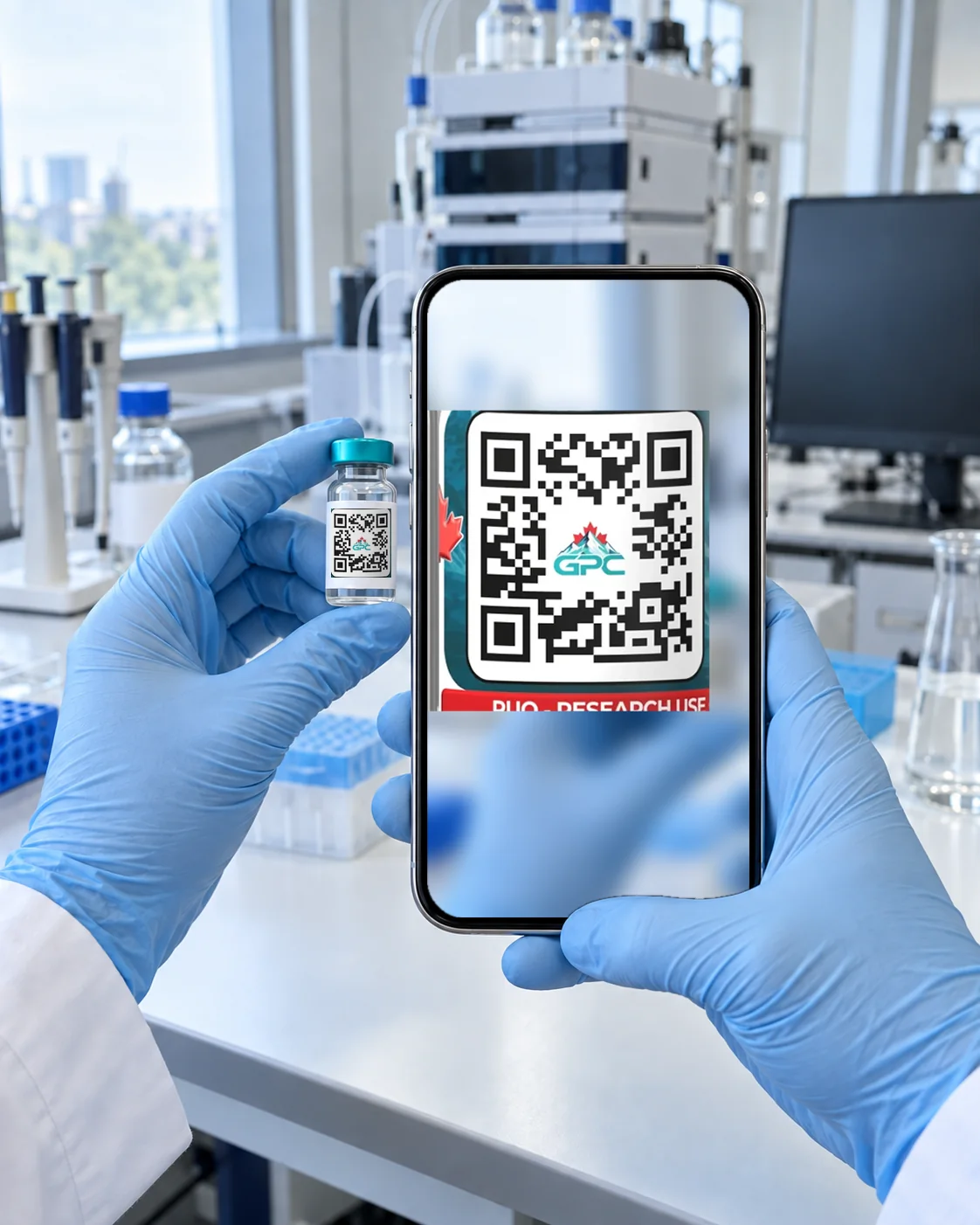
Turn to the back of the label.
Rotate the vial until the QR code and printed details come into view.
Find the code beside the QR code.
The lot code is printed on the label’s information panel, beside the QR code.
Scan it or type it.
Point your phone camera at the QR code to open the lot record directly, or type the code in the box above.
Back to the lookup
WHAT YOU’LL SEE
What the lot record shows
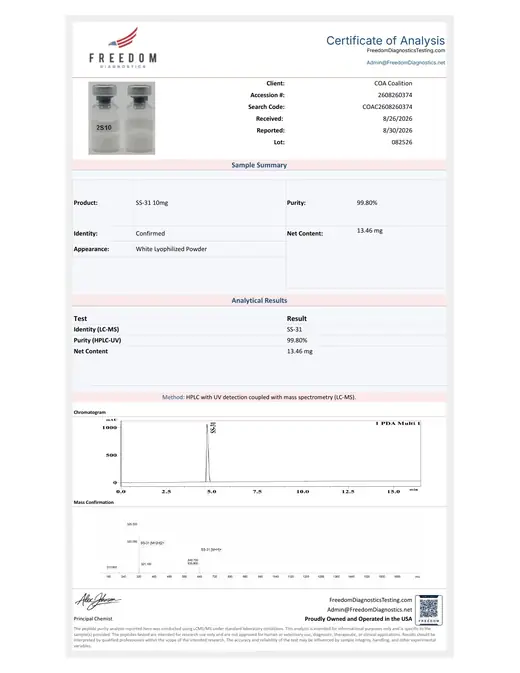
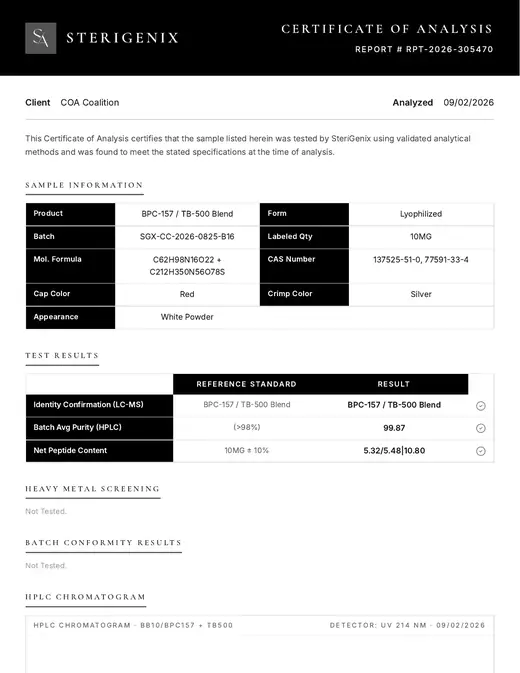
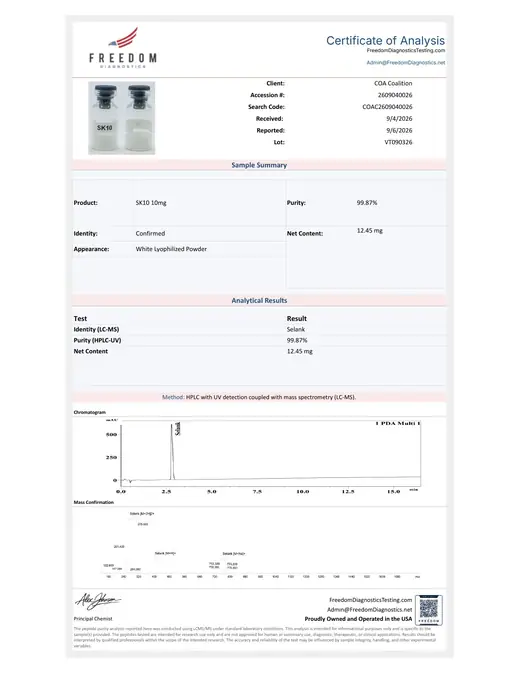
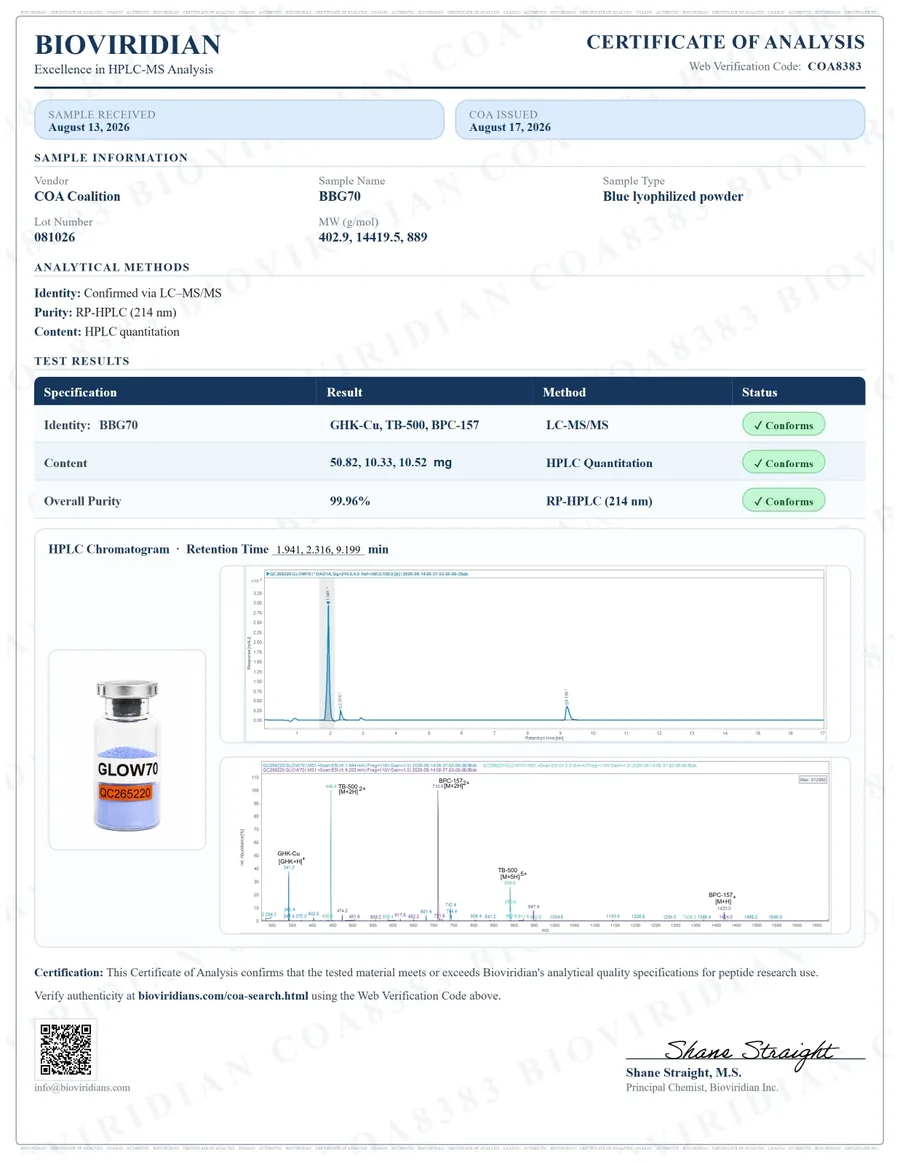
Laboratory results
Reported identity, purity and net content for the lot.
Certificate of analysis
The source certificate and its COA Coalition verification link, where available.
Lot details
The lot code, product and reported laboratory details together.
Questions about your lot code
Where else is the lot code printed?
The same lot code is printed on the kit carton label and on each vial label.
My code doesn’t find a record
Check similar characters such as O and 0 or I and 1. Codes are not case-sensitive; spaces and dashes are ignored.